Members are people with access to your organisation or to one of its workspaces. Each has a role, and a role is a fixed set of permissions. The dashboard hides what a member cannot do; the API enforces it.
Invite someone
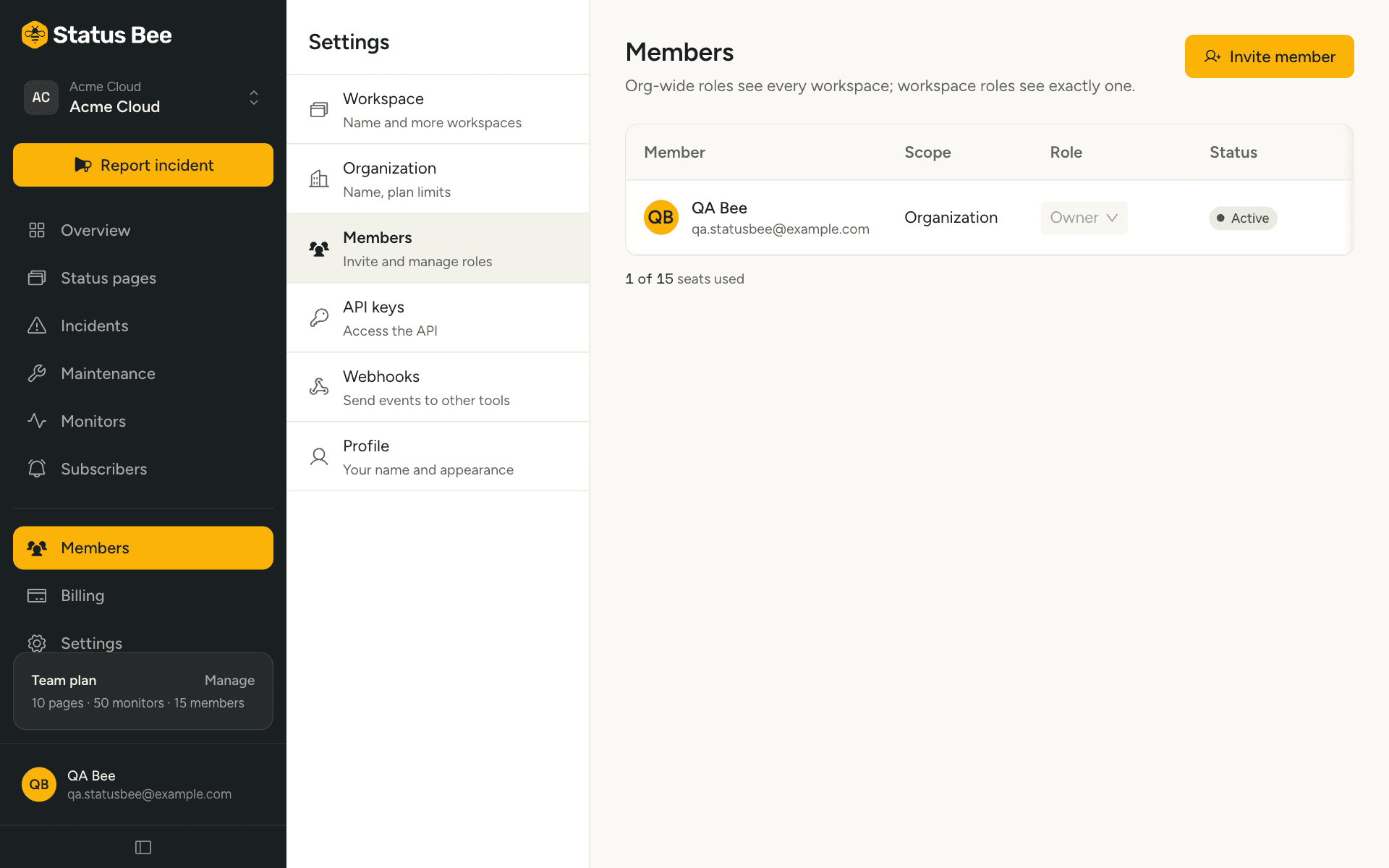
- Settings, Members, then Invite
Enter their email address.
- Choose the scope
Organisation-wide, or one workspace. This decides which roles are offered.
- Choose the role
See the tables below.
- Send
If they already have a Status Bee account, they are added immediately and see the workspace at their next sign-in. Otherwise they get an email with a link that creates their account, already confirmed, and lands them in your workspace. If the email cannot be delivered, the dashboard shows the invite link so you can send it yourself.
Pending invitations can be re-sent from the list. Inviting your own address is refused.
Organisation roles
Apply to every workspace in the organisation, now and in future.
| Role | Can |
|---|---|
| Owner | Everything, including billing, API keys, members and organisation settings. An organisation always keeps at least one owner. |
| Admin | Everything an owner can except billing. |
| Billing | See and manage the subscription. Read-only elsewhere. |
Workspace roles
Apply to one workspace only. A person can hold roles in several workspaces.
| Role | Can |
|---|---|
| Workspace admin | Everything inside the workspace, including inviting workspace members. |
| Incident manager | Report and update incidents, schedule maintenance, manage templates, read subscribers and analytics. |
| Maintenance manager | Schedule and run maintenance windows. Read-only elsewhere. |
| Editor | Manage pages, components, monitors and templates. Cannot publish incidents. |
| Viewer | Read everything. Change nothing. |
Permissions behind the roles
For the exact mapping, these are the permissions each role holds. Useful when reading the audit log or the API reference, which name permissions rather than roles.
| Permission | Owner | Admin | Billing | WS admin | Incident mgr | Maint. mgr | Editor | Viewer |
|---|---|---|---|---|---|---|---|---|
| org.manage | ✓ | ✓ | ||||||
| billing.manage | ✓ | ✓ | ||||||
| members.manage | ✓ | ✓ | ✓ | |||||
| api_keys.manage | ✓ | ✓ | ||||||
| workspace.settings | ✓ | ✓ | ✓ | |||||
| pages.manage, components.manage | ✓ | ✓ | ✓ | ✓ | ||||
| incidents.manage | ✓ | ✓ | ✓ | ✓ | ||||
| maintenance.manage | ✓ | ✓ | ✓ | ✓ | ✓ | |||
| templates.manage | ✓ | ✓ | ✓ | ✓ | ✓ | |||
| monitors.manage | ✓ | ✓ | ✓ | ✓ | ||||
| subscribers.read | ✓ | ✓ | ✓ | ✓ | ||||
| subscribers.manage, webhooks.manage, audit.read | ✓ | ✓ | ✓ | |||||
| analytics.read | ✓ | ✓ | ✓ | ✓ | ✓ | ✓ | ||
| dashboard.read | ✓ | ✓ | ✓ | ✓ | ✓ | ✓ | ✓ | ✓ |
Change or remove
From the member's row: change the role (within the same scope) or remove them. Removing revokes access at their next request. The last owner cannot be demoted or removed.
Limits
Plans set the number of members per organisation: 1 on Free, 5 on Starter, 15 on Team, 30 on Business. Pending invitations count.
API
Members are managed under /user/orgs/:orgId/members. See Organizations and members in the API reference.